AirCard
v1.3No-jailbreak Apple Wallet card skinner, lock screen passcode theme engine, and PosterBoard wallpaper customizer for iOS 18 ~ 27+.
Zuletzt aktualisiert:
AirCard is a breakthrough customization tool for iOS that bypasses system restrictions without a jailbreak. Leveraging the native AirTraffic synchronization vulnerability (airlift), it enables custom artwork for Apple Pay and Wallet cards, applies rich .passthm themes to the iOS 18+ and iOS 27+ lock screen passcode keypad, and injects PosterBoard wallpaper archives (.tendies) with NeoSpring respring. It supports physical iPhones standalone via on-device loopback pairing (with LocalDevVPN) as well as macOS and Windows desktop editions.
Was ist AirCard?
AirCard is a no-jailbreak customization utility for iOS 18+ and iOS 27. Customize Apple Wallet cards, lock screen .passthm keypad themes, and inject PosterBoard wallpapers. Sideload AirCard IPA with TrollStore or SideStore.
Auf einen Blick
- Version
- v1.3
- Veröffentlicht
- 2026-09-22
- GitHub-Sterne
- 3721
- IPA-Größe
- 18.5 MB
Quelle: offizielle GitHub-Repositories
Highlights von AirCard
Alles, was AirCard zu benutzerdefinierten PosterBoard-Wallpapers beiträgt.
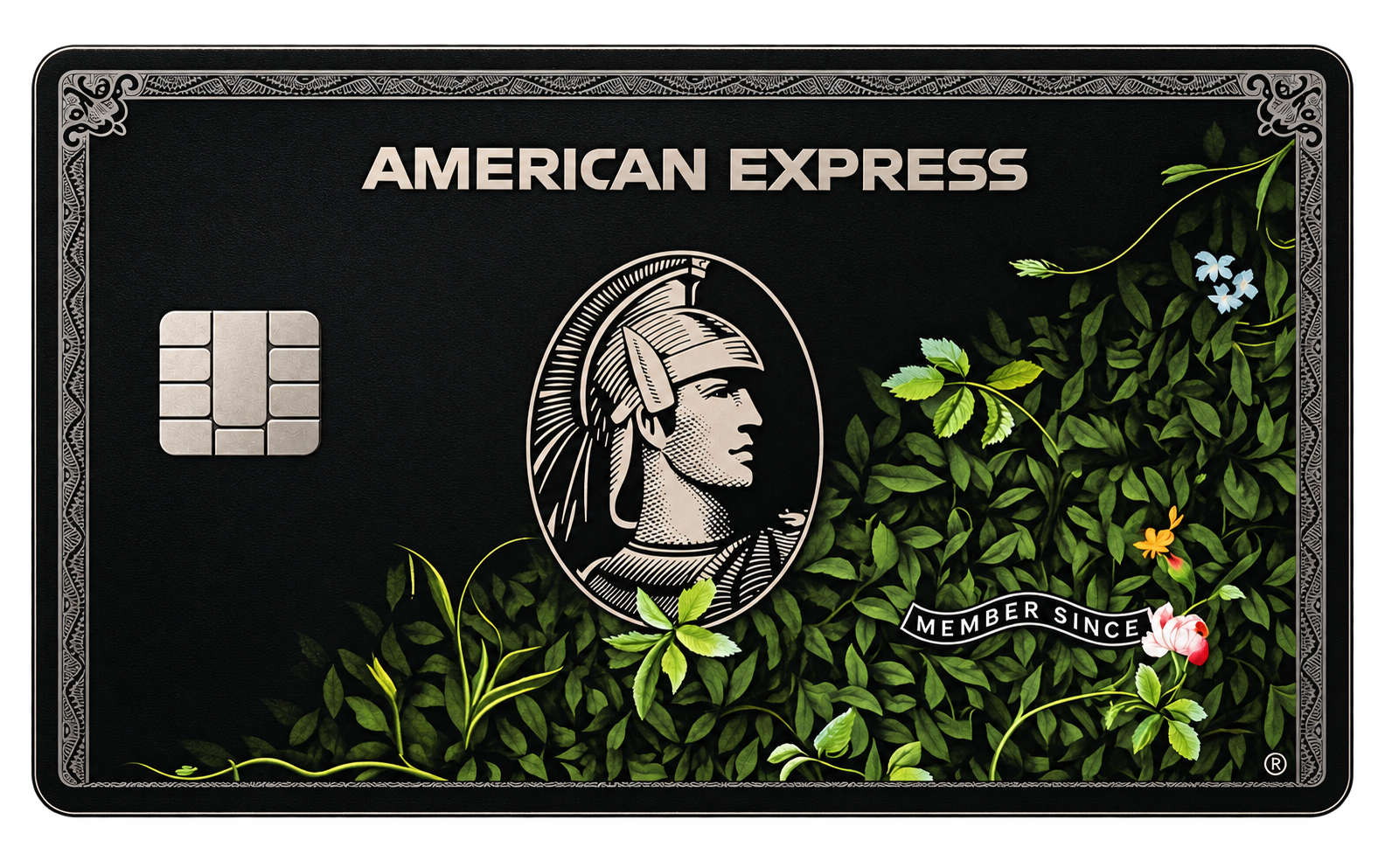
Apple Wallet Card Skins
Directly writes to Passbook local image caches for Apple Pay and transit cards while keeping financial tokens and payments 100% secure.
Passcode Keypad Themes
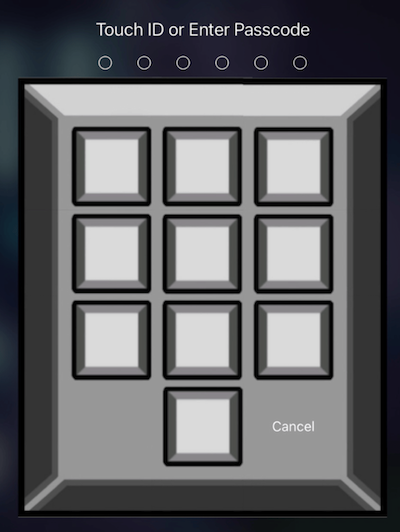
Apply custom .passthm keypad themes to iOS 18+ and iOS 27 lock screens with a rich catalog of gaming and geek aesthetics.
Custom Card Studio
Built-in 3D physical engine with real-time specular glare, custom art upload, chip styling, and 1536×969 pixel-perfect canvas export.
PosterBoard Wallpapers
Import and inject .tendies archive packages directly from Files app into system PosterBoard containers without manual setup.
Integrated NeoSpring
Automatically resprings the device using WebKit GPU process crash injection after flashing, eliminating manual reboots.
On-Device Pairing
Built-in Bonjour service broadcast with LocalDevVPN loopback pairs directly under Developer Mode, freeing you from desktop cables.
Signierung und Installation
Konkrete Schritte, um AirCard auf Ihr iPhone zu bringen.
Download the App
Get the latest AirCard-iOS.ipa (v1.3 standalone sideload package) or the macOS / Windows desktop client.
Sideload & Pair
Install the IPA via TrollStore, SideStore, or AltStore; enable LocalDevVPN and complete pairing in Developer Mode.
Choose Card Skin or Theme
Select your favorite Wallet card design, .passthm passcode theme, or build your own custom skin in the studio.
Flash & Respring
Tap Flash / Apply to write caches and trigger NeoSpring; ensure Bold Text is turned off in Settings for themes to take effect.
Vorschau
Warnhinweis zu Forschungsoftware
AirCard utilizes the airlift / AirTraffic exploit pipeline to replace local graphics caches. While it does not jailbreak or compromise the Secure Enclave, it remains experimental research software. Always back up important data and ensure "Bold Text" is disabled in iOS display settings.
FAQ zu Signierung und Installation
Häufige Fragen zur Installation von benutzerdefinierten PosterBoard-Wallpaper-Apps.
Will using AirCard affect Apple Pay security or cause bans?
Why does the lock screen keypad still show the default font?
How does on-device pairing work without a computer?
What if Windows shows device not connected or AirTraffic sync error?
macOS Gatekeeper says AirCard cannot be opened?
Andere PosterBoard-Apps
Vergleichen Sie mit den anderen Community-IPA-Apps.