Pocket Poster
v3.2.2适用于 iOS 17+ 的自定义 PosterBoard 壁纸,并支持 iOS 26–27.0b4 的 bad_query。
最近更新:
Pocket Poster 是用于应用自定义 PosterBoard 壁纸的原始社区工具。在 iOS 26 和 27.0b4 上,bad_query 集成意味着无需电脑:安装 IPA,在设备上检测应用哈希,选择 .tendies 包或视频,然后完整 respring 应用。在较旧的 iOS 17+ 版本上,它回退到旧的 .Trash 漏洞,这需要在电脑上进行短暂的 Nugget 辅助会话。它还包含 Reset Collections 以清除 PosterBoard 描述符。
Pocket Poster 是什么?
Pocket Poster 可在 iPhone 上安装自定义 PosterBoard 壁纸。支持 iOS 26–27.0b4 的 bad_query 设备端功能,以及 iOS 17+ 的旧 .Trash 支持。使用 TrollStore 或 SideStore 侧载 IPA。
快速概览
- 版本
- v3.2.2
- 发布于
- 2026-08-11
- GitHub 星标
- 106
- IPA 大小
- 13.7 MB
来源:官方 GitHub 仓库
Pocket Poster 亮点
Pocket Poster 为自定义 PosterBoard 壁纸带来的一切。
On-Device 检测
Settings → Detect On-Device(或直接 Apply)会自动检测 App Hash/UUID,因此 iOS 26/27 无需电脑。
bad_query 集成
使用 bad_query 沙盒逃逸技术为 iOS 26/27 安装壁纸和管理 PosterBoard 描述符。
应用壁纸
选择 .tendies 包或视频,点击 Apply,设备将执行完整 respring(Frontboard + Backboard)。
Reset Collections
通过 bad_query 清除 PosterBoard 描述符,并以同样的方式完整 respring 设备。
旧 .Trash 支持
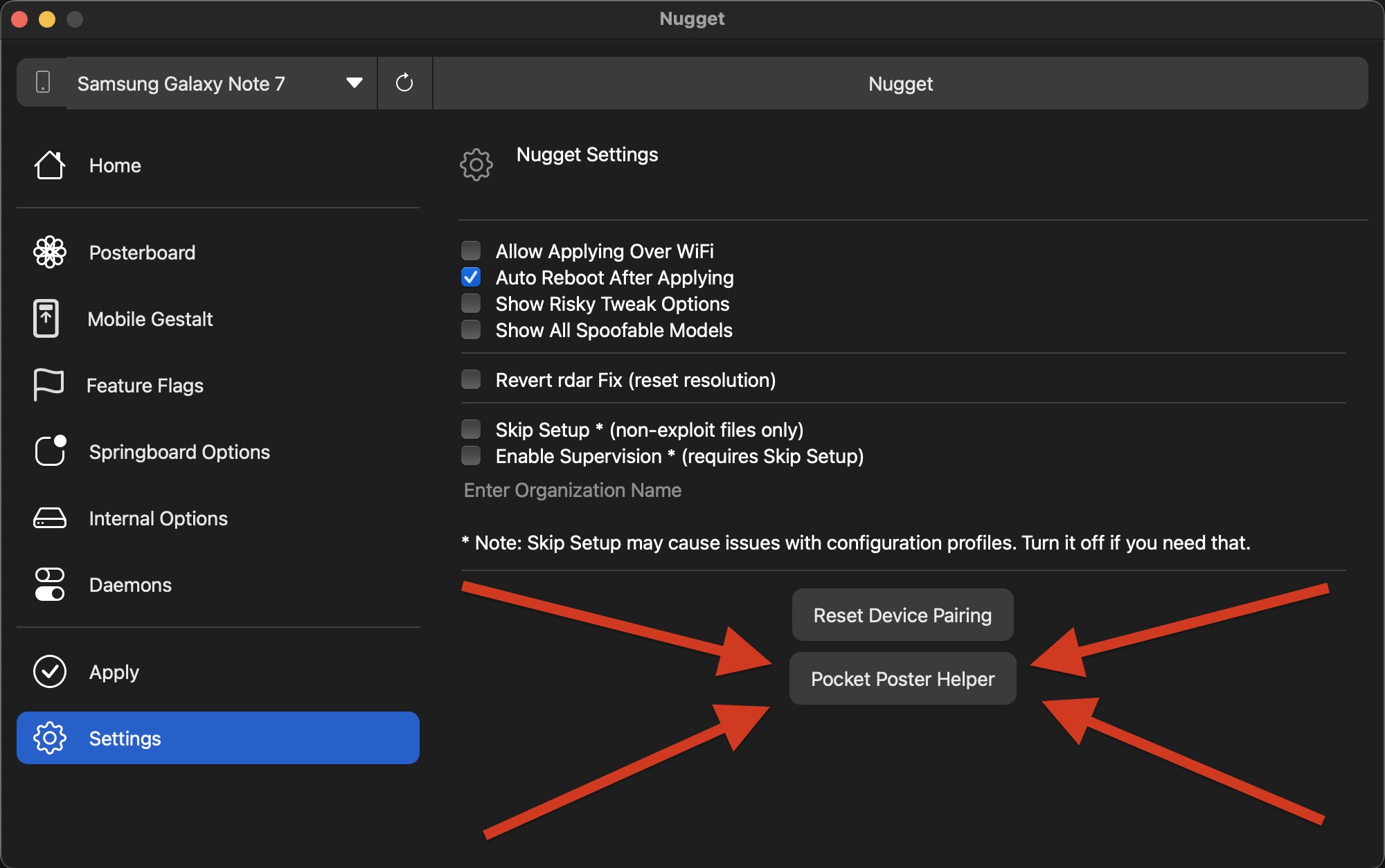
在较旧的 iOS 17+ 版本上,使用桌面 Nugget 应用中的 Pocket Poster Helper 获取 App Hash/UUID。
社区目录
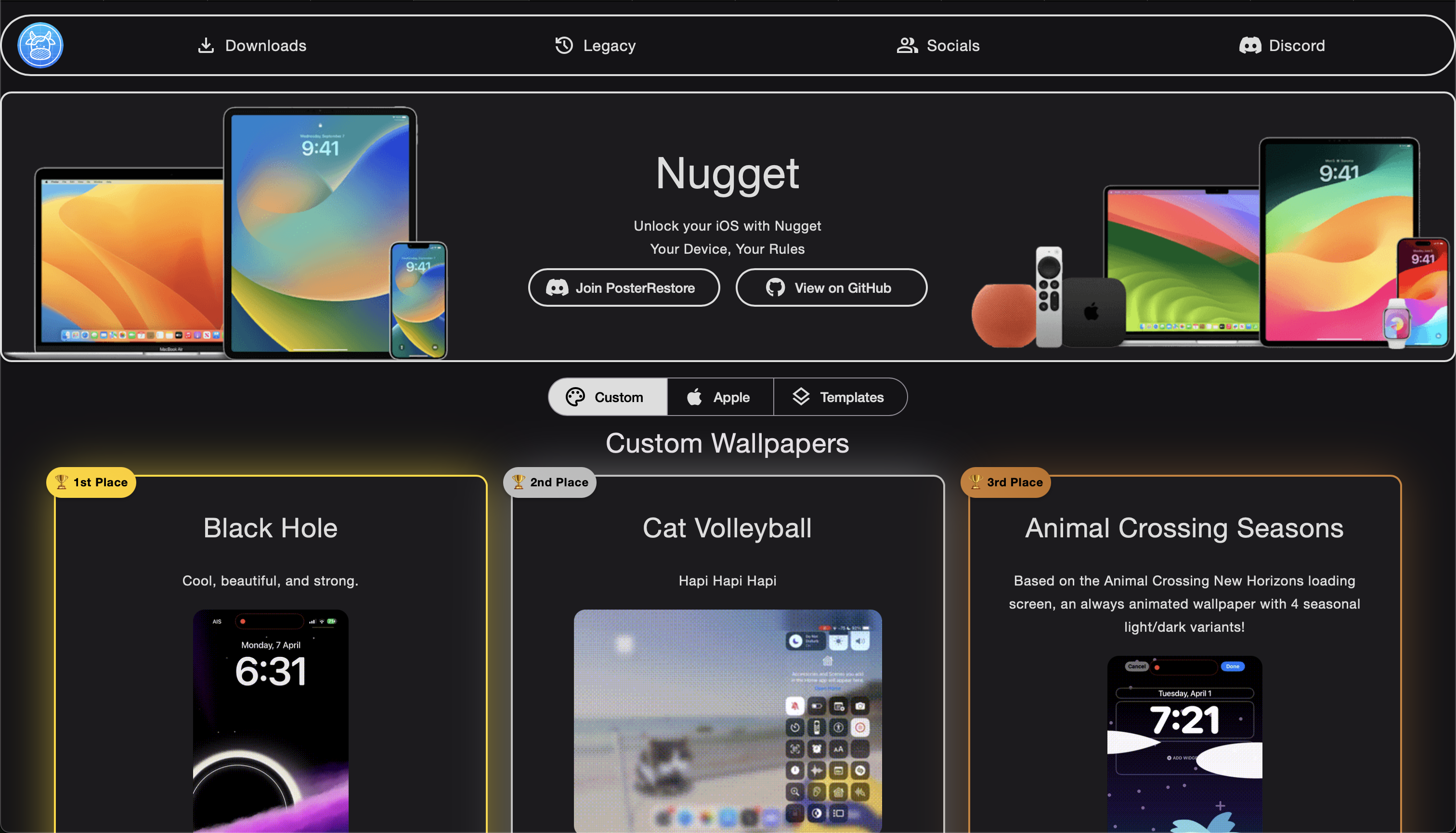
社区制作的壁纸可在官方 Cowabun.ga 网站和 Cowabunga Discord 服务器上获取。
签名与安装
将 Pocket Poster 安装到你的 iPhone 上的具体步骤。
下载 IPA
从 terobox 分享链接获取 Pocket_Poster.ipa(v3.2.2,约 13.7 MB)。
侧载应用
使用 TrollStore、SideStore 或任何免费 Apple ID 签名工具安装 IPA。
在设备上检测
打开 Settings → Detect On-Device(或点击 Apply——哈希会自动检测)。iOS 26/27 无需电脑。
应用并 respring
选择 tendies / 视频,点击 Apply,设备将完整 respring 以显示新壁纸。
预览
研究软件警告
壁纸作品仍归其各自创作者所有。社区壁纸可在 Cowabun.ga 上找到;加入 Cowabunga Discord 服务器可获得更多帮助。
签名与安装常见问题
关于安装自定义 PosterBoard 壁纸应用的常见问题。
iOS 26/27 需要电脑吗?
较旧的 iOS 版本呢?
什么是 bad_query?
Reset Collections 是做什么的?
其他 PosterBoard 应用
与其他社区 IPA 应用进行比较。