Pocket Poster
v3.2.2Custom PosterBoard wallpapers for iOS 17+ with bad_query support for iOS 26–27.0b4.
Last updated:
Pocket Poster is the original community tool for applying custom PosterBoard wallpapers. On iOS 26 and 27.0b4, bad_query integration means no computer is required: install the IPA, detect the app hash on-device, pick a .tendies package or video, and apply it with a full respring. On older iOS 17+ versions it falls back to the legacy .Trash exploit, which needs a short Nugget helper session on a computer. It also includes Reset Collections to wipe PosterBoard descriptors.
What is Pocket Poster?
Pocket Poster installs custom PosterBoard wallpapers on iPhone. bad_query on-device support for iOS 26–27.0b4, legacy .Trash support for iOS 17+. Sideload the IPA with TrollStore or SideStore.
Quick facts
- Version
- v3.2.2
- Released
- 2026-08-11
- GitHub stars
- 106
- IPA size
- 13.7 MB
Source: official GitHub repositories
Pocket Poster highlights
Everything Pocket Poster brings to custom PosterBoard wallpapers.
On-Device Detection
Settings → Detect On-Device (or just Apply) auto-detects the App Hash/UUID, so iOS 26/27 needs no computer.
bad_query Integration
Uses the bad_query sandbox-escape technique for iOS 26/27 to install wallpapers and manage PosterBoard descriptors.
Apply Wallpapers
Pick a .tendies package or a video, tap Apply, and the device performs a full respring (Frontboard + Backboard).
Reset Collections
Wipes PosterBoard descriptors via bad_query and full-resprings the device the same way.
Legacy .Trash Support
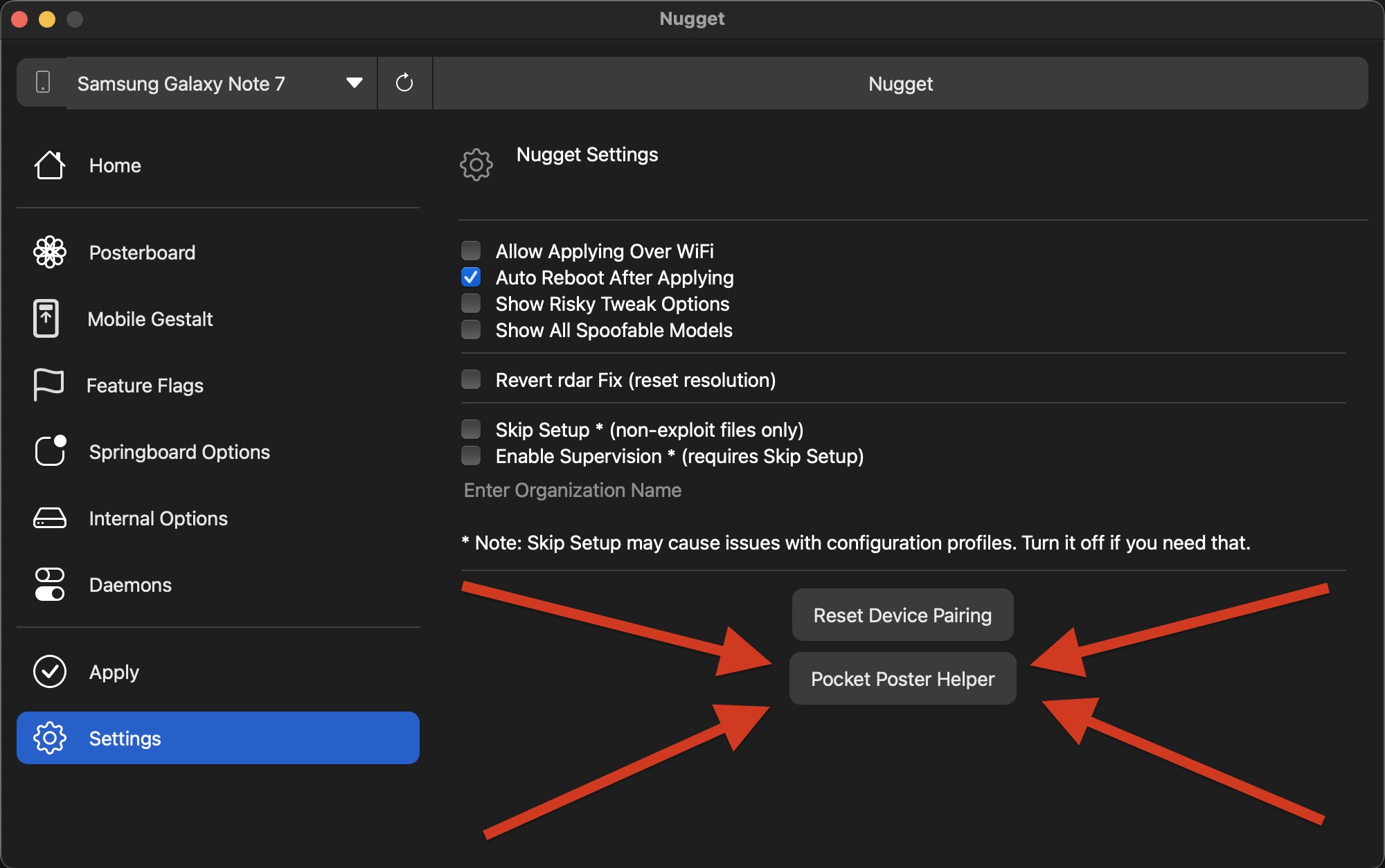
On older iOS 17+ versions, use the Pocket Poster Helper in the desktop Nugget app to fetch the App Hash/UUID.
Community Catalog
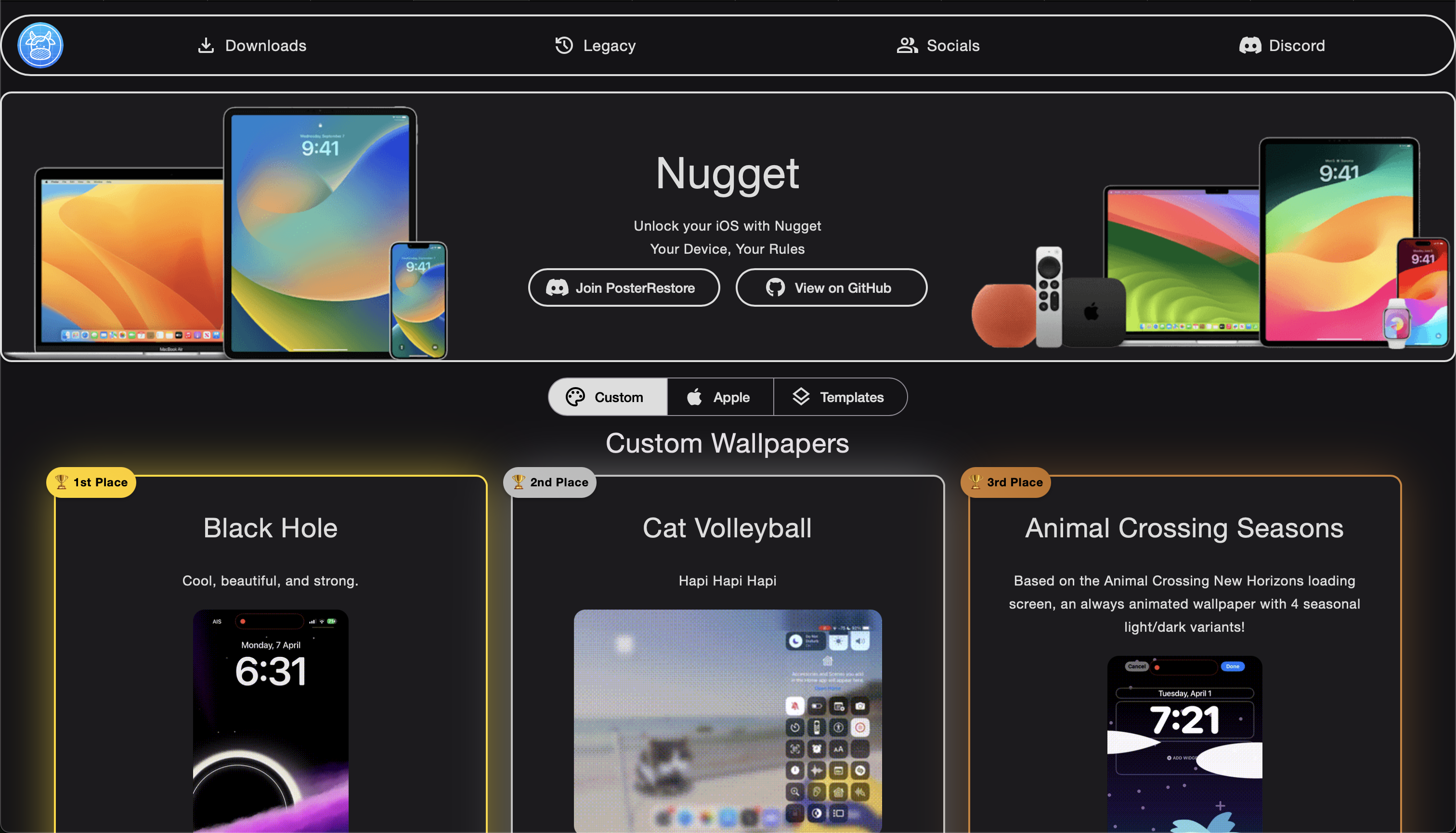
Community-made wallpapers are available on the official Cowabun.ga site and the Cowabunga Discord server.
Signing & install
Specific steps for getting Pocket Poster onto your iPhone.
Download the IPA
Grab Pocket_Poster.ipa (v3.2.2, ~13.7 MB) from the terobox share link.
Sideload the app
Install the IPA with TrollStore, SideStore, or any free Apple ID signing tool.
Detect on device
Open Settings → Detect On-Device (or hit Apply — the hash auto-detects). No computer required on iOS 26/27.
Apply and respring
Select a tendies / video, tap Apply, and the device does a full respring to show the new wallpaper.
Preview
Research software warning
Wallpaper artwork remains the property of its respective creators. Community wallpapers are found on Cowabun.ga; join the Cowabunga Discord server for additional help.
Signing and install FAQ
Common questions about installing custom PosterBoard wallpaper apps.
Does iOS 26/27 need a computer?
What about older iOS versions?
What is bad_query?
What does Reset Collections do?
Other PosterBoard apps
Compare with the other community IPA apps.